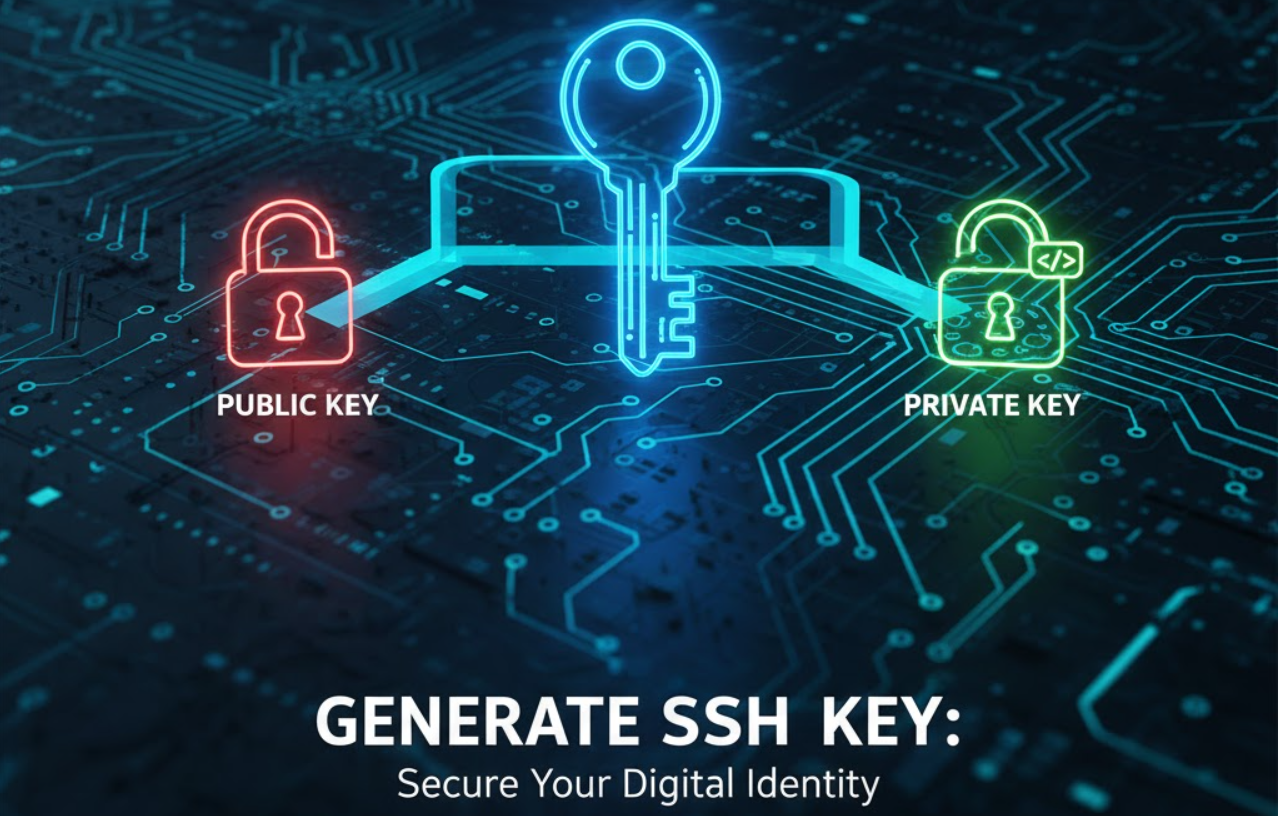
Generating and Using SSH Keys on Linux (Step-by-Step)
SSH keys provide a secure and convenient way to authenticate to remote servers without relying on passwords. They offer stronger security and greatly reduce the risk of brute-force attacks.
Step 1 — Check for Existing SSH Keys
Before generating a new key pair, check whether you already have SSH keys:
ls ~/.sshIf you see files such as id_rsa and id_rsa.pub, you already have an SSH key pair and can use it immediately.
Step 2 — Generate a New SSH Key Pair
If you need a new key pair, run the following command:
ssh-keygen -t rsa -b 2048-t rsa: Specifies the key type-b 2048: Sets the key size
You will be prompted to choose a location for the new key:
~/.ssh/id_rsaYou can also set an optional passphrase for additional protection.
Step 3 — Copy the Public Key to the Remote Server
To enable key-based access, copy your public key to the remote server:
ssh-copy-id username@remote_serverReplace username with your remote account name and remote_server with the server’s address.
Step 4 — Test SSH Key Login
After copying the key, test your connection:
ssh username@remote_serverIf you set a passphrase, you will be prompted to enter it.
Additional Tips
- Use SSH Agent
- Start the SSH agent:
eval "$(ssh-agent -s)"- Add your key:
ssh-add ~/.ssh/id_rsa - Configure SSH
- You can configure per-host settings in:
~/.ssh/config - Revoke Access
- If your private key is compromised, remove the corresponding public key from
authorized_keyson the server.
- If your private key is compromised, remove the corresponding public key from
- Use Separate Keys
- Consider using different SSH keys for different servers or services.
Frequently Asked Questions
What is an SSH key?
An SSH key is a cryptographic authentication method that allows secure access to a server without using a password.
Do I need a passphrase?
A passphrase adds an extra layer of security by encrypting your private key. It is recommended, especially for sensitive environments.
Can I use the same SSH key on multiple servers?
Yes. You can add the same public key to the authorized_keys file on different servers and use one private key to connect.
What happens if I lose my private key?
If you lose your private key, you will not be able to access servers that rely on it. You must generate a new key and update access.