To test disk read and write speeds on Linux, commonly used commands include dd and hdparm. Additionally, more advanced testing can be performed using tools like fio. Here are some basic commands for testing disk speed:
1. Disk Read and Write Speed Test with dd:
Disk Read Speed Test:
dd if=/dev/zero of=tempfile bs=1M count=1024 conv=fdatasync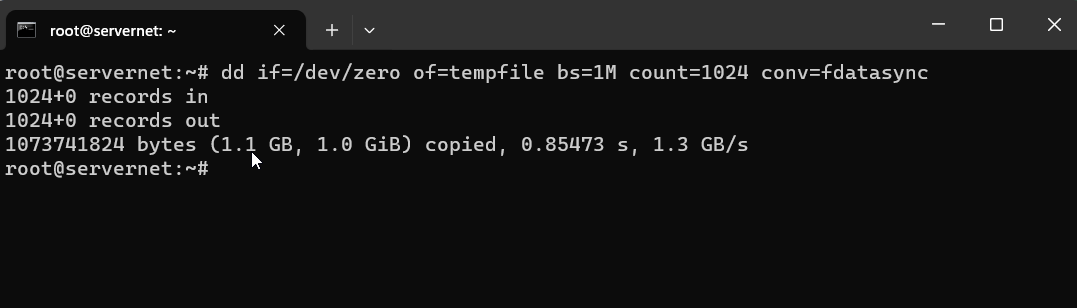
Disk Write Speed Test:
dd if=tempfile of=/dev/null bs=1M count=1024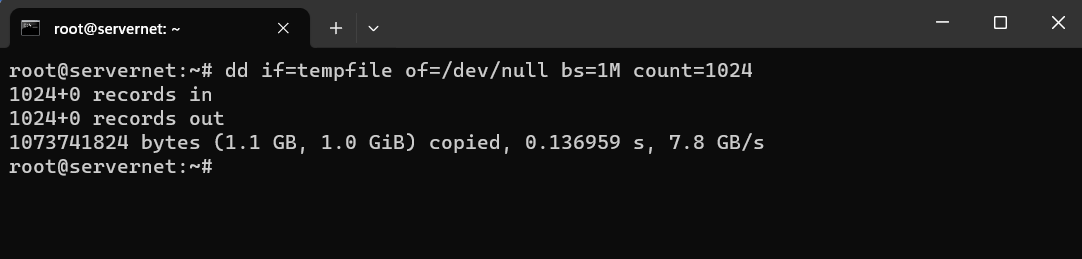
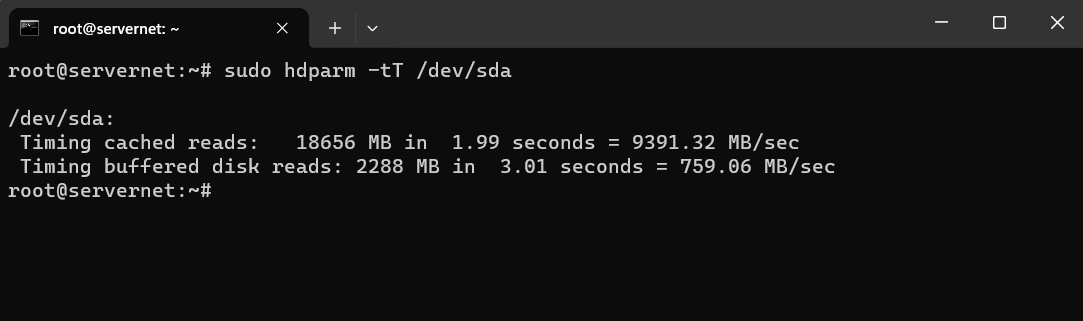
2. Disk Read Speed Test with hdparm:
sudo hdparm -tT /dev/sdXReplace /dev/sdX with your actual disk device.
3. Advanced Disk Performance Test with fio:
First, install fio:
sudo apt-get install fio # Debian/Ubuntu
sudo yum install fio # CentOS/RHEL
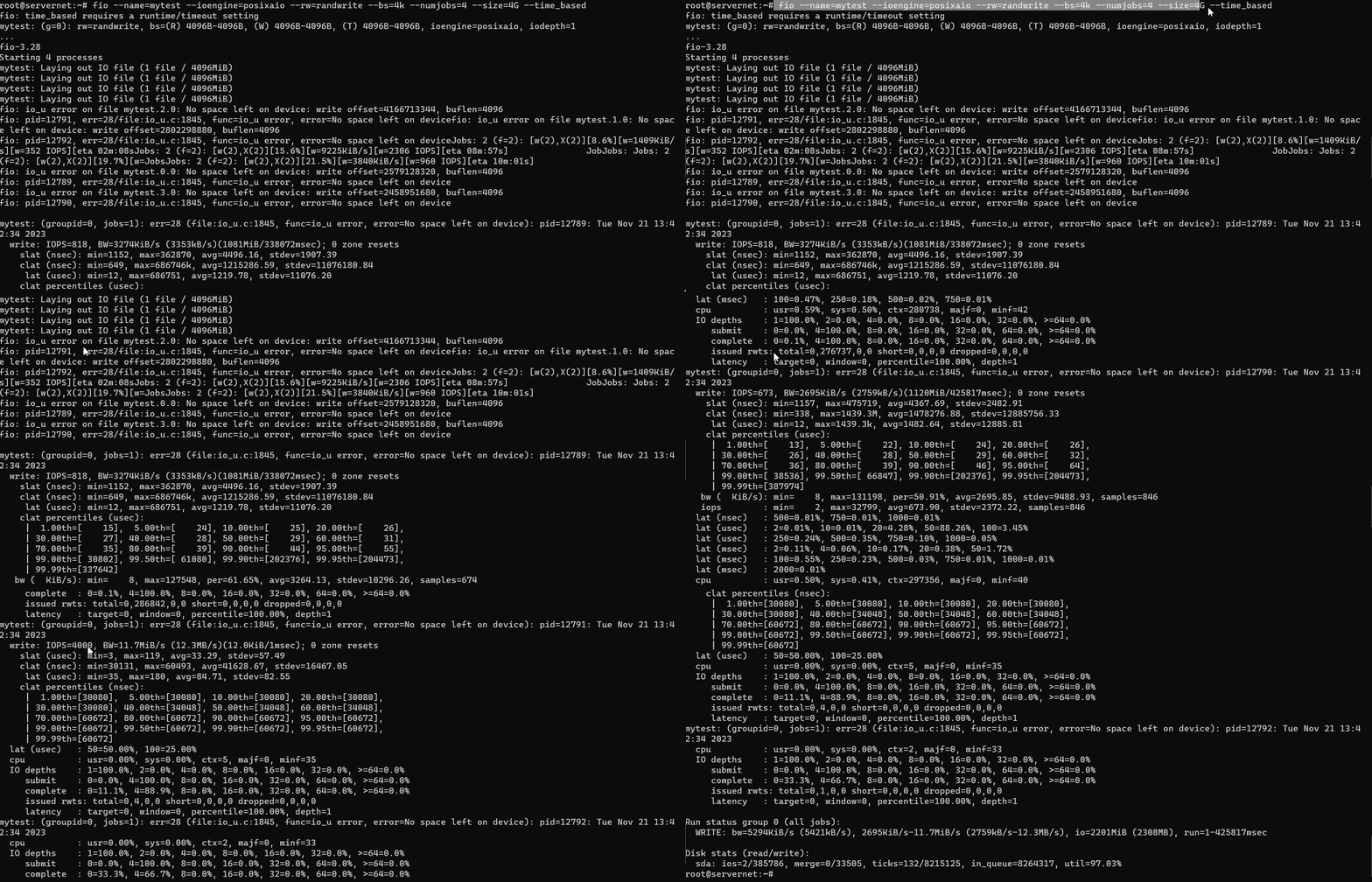
Then, initiate a disk test with fio:
fio --name=mytest --ioengine=posixaio --rw=randwrite --bs=4k --numjobs=16 --size=4G --time_basedThis command performs 4 GB of random write operations with 16 threads. You can customize the parameters based on your needs.
Notes:
- Be cautious when using the
ddcommand to avoid specifying the wrong disk device, as it can result in data loss. - Backup important data before conducting tests, and be aware that tests may impact existing data on the disk.
- Disk performance can vary due to multiple factors, so it’s advisable to run tests multiple times and take an average.
These commands are commonly used tools for evaluating disk performance. The results obtained from these tests will help you understand the performance of your disk device and whether your system configuration is optimized.